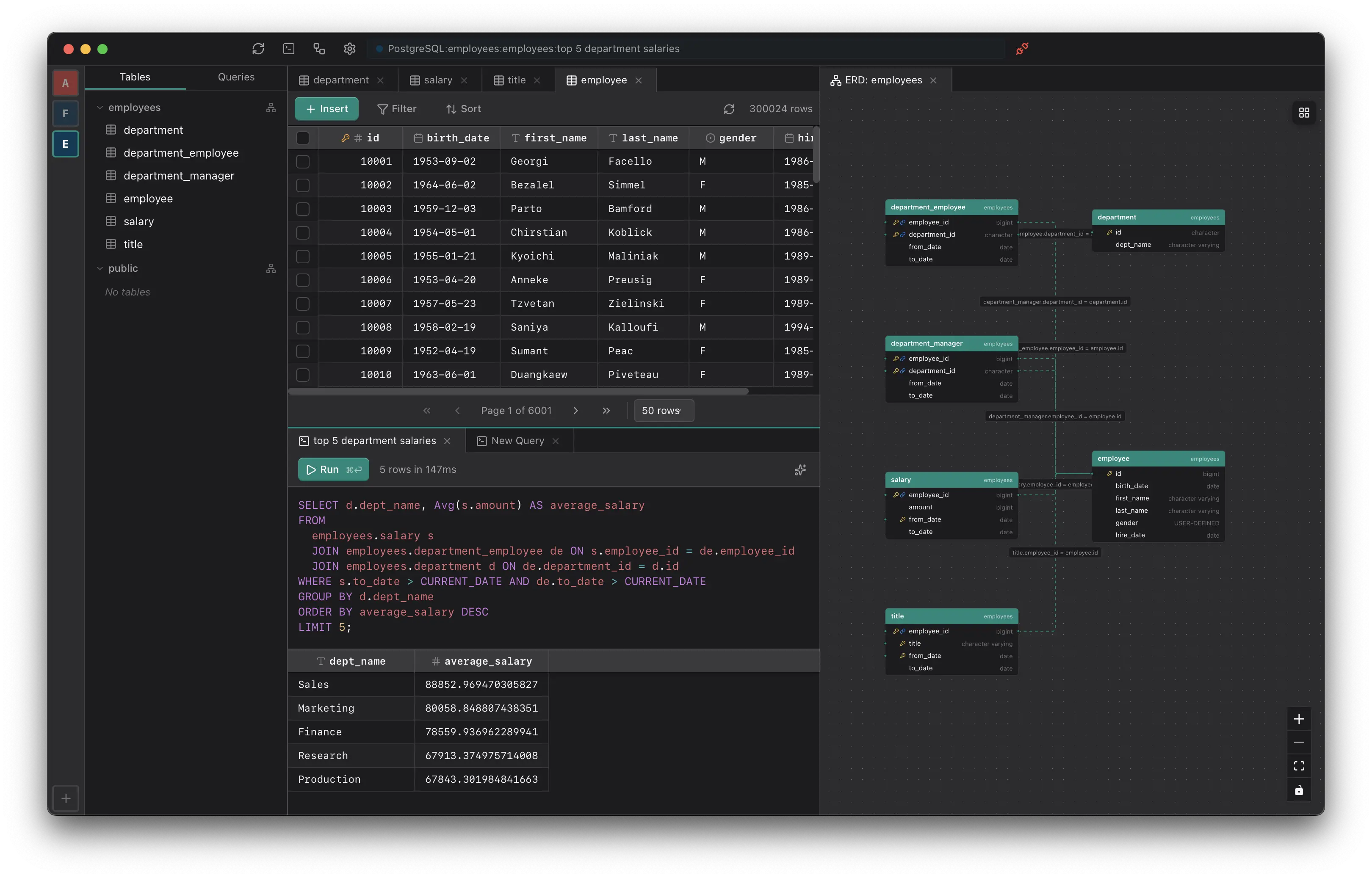
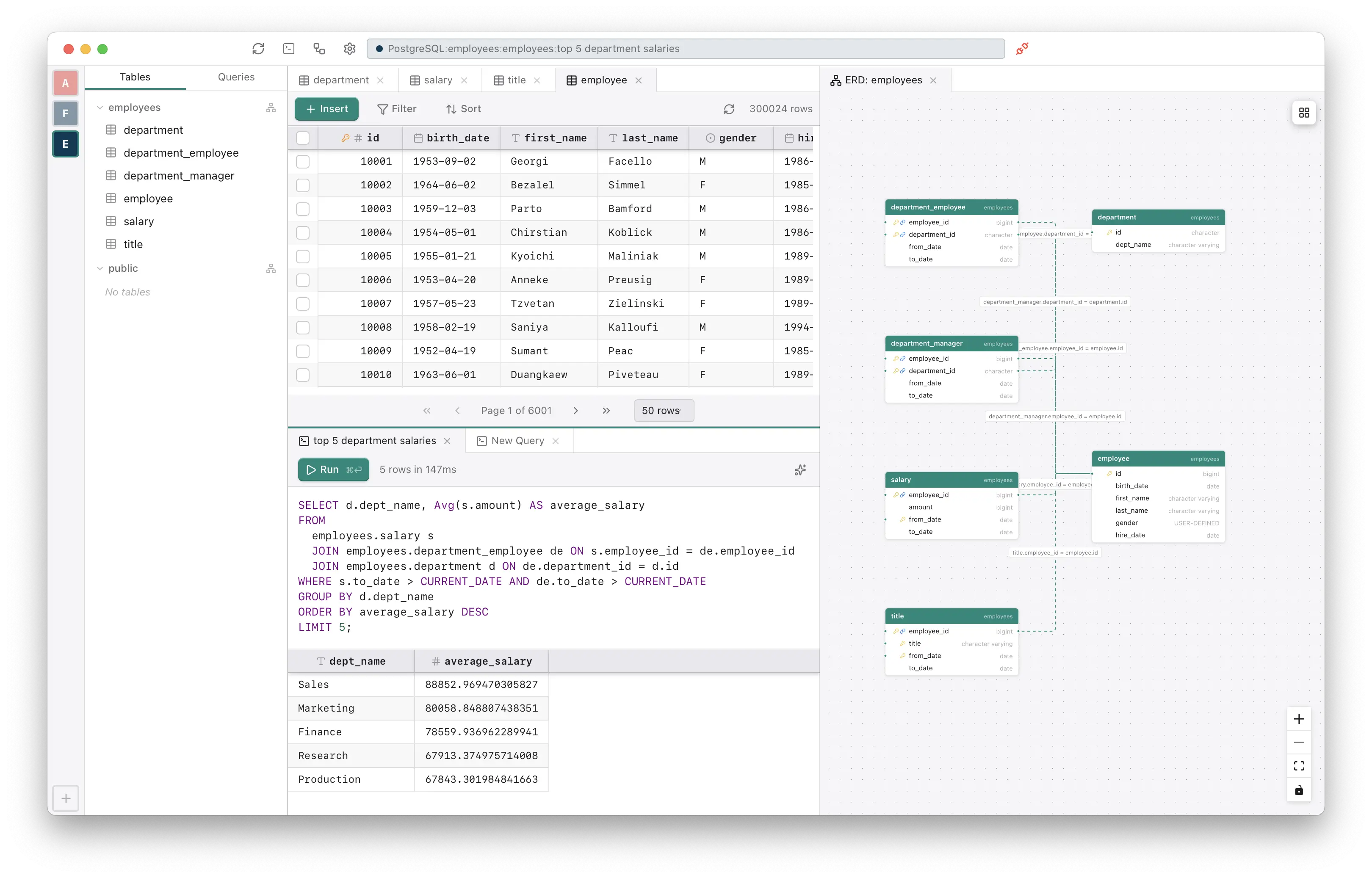
Multiple connections, split panes, tabbed views. A feature-packed lightweight app for browsing and managing your databases in one place.



Arbitrary horizontal and vertical splits. Arrange tables, queries, and diagrams however you want.
Connect to multiple databases at once. Switch between them without closing anything.
Auto-generated entity-relationship diagrams from your schema. See every table and relationship at a glance.
Build queries visually. Select tables, join conditions, and filters without writing SQL.
Autocomplete that suggests columns, tables, and clauses as you type. Enable it when you want it.
Install extensions to add new database connectors, analytics tools, anomaly detection, and more. Like VS Code, but for databases.
One-time purchase or subscribe.
 Download for Windows