Import & Export
Import CSV/JSON files and export table data to CSV or SQL.
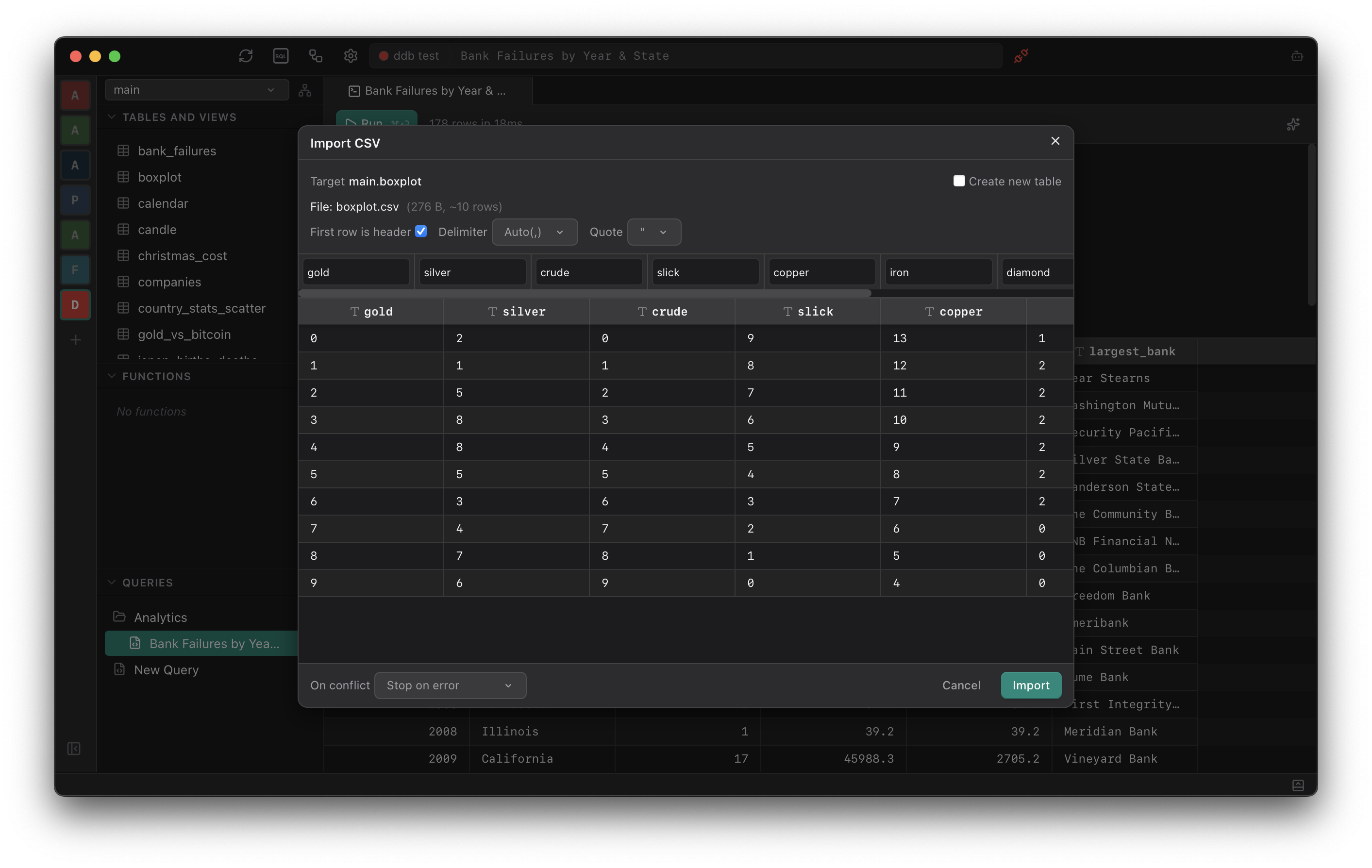
Import
Import data from CSV or JSON files into any existing table. The import dialog previews the data, maps columns automatically, and allows configuring conflict handling before committing.
Column Mapping
Columns from the file are matched to table columns by name. Mappings can be adjusted manually if the automatic match is incorrect.
Conflict Handling
Choose how to handle conflicts: skip duplicates, replace existing rows, or abort on error.
Export
Right-click any table in the schema browser to export its data. The available formats are CSV for data analysis and SQL INSERT statements for migration.
Export the full table or only the currently filtered or selected rows from the data grid.